

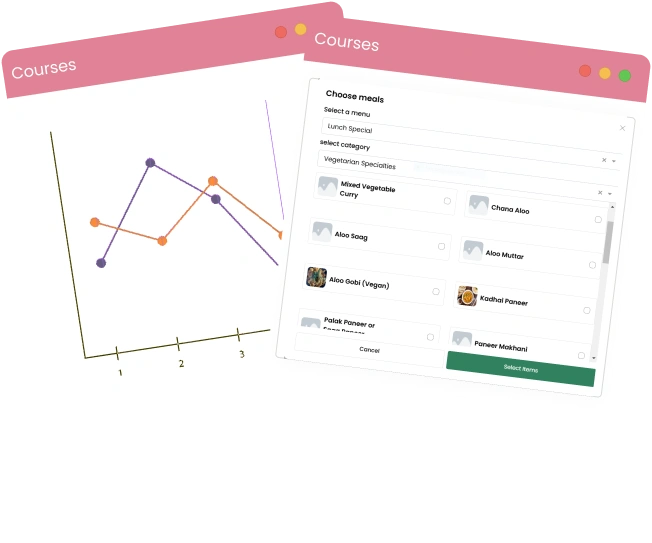
Courses in Qwizeen

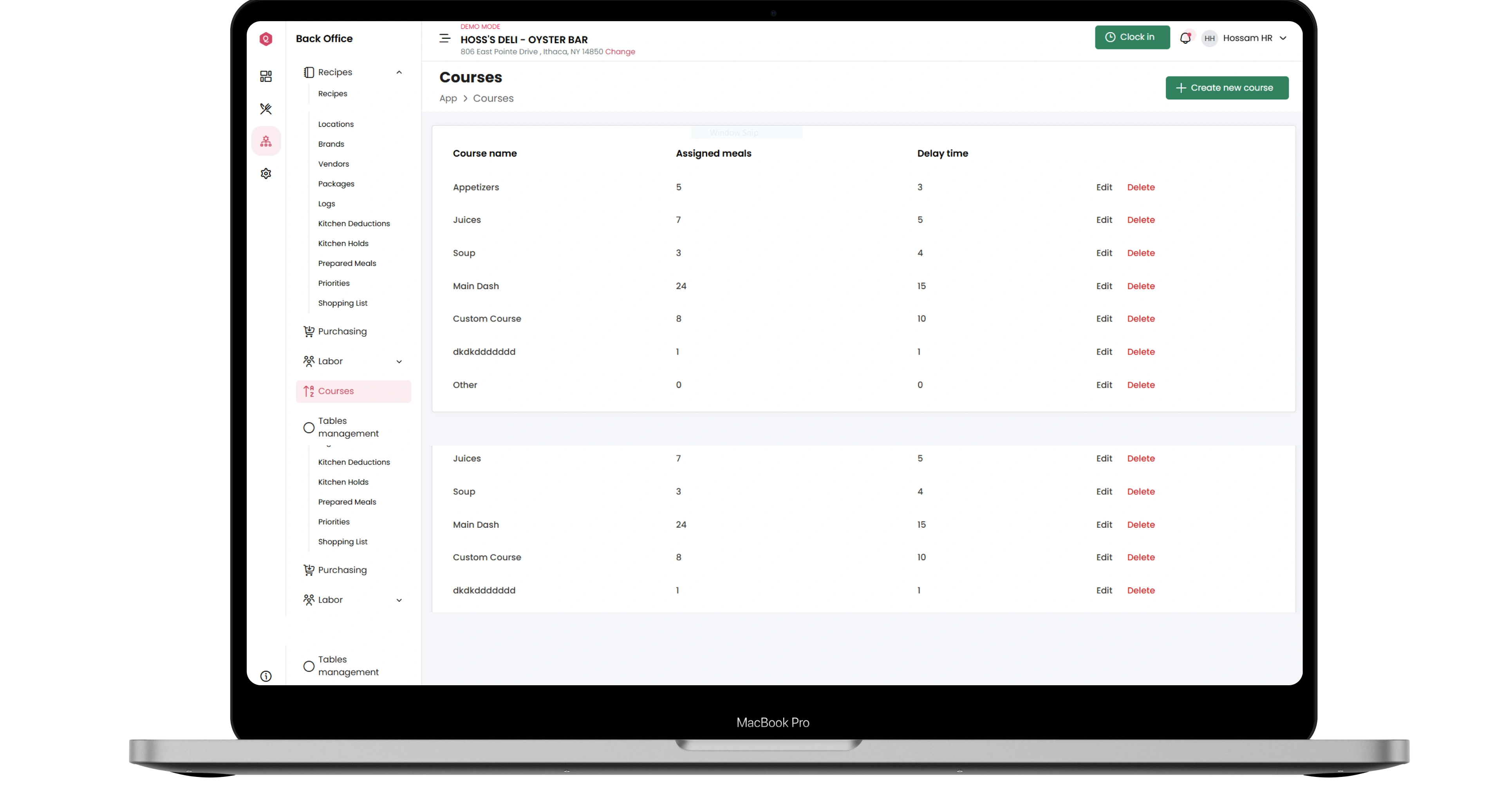
system are an innovative way to organize and manage meals in restaurants professionally. A single meal is divided into multiple stages or courses, such as appetizers, main dishes, and desserts. Each course has a specific timing and clear sequence, ensuring a seamless and enjoyable dining experience for the customer.

Course firing

Over view

Streamline Your Courses with Key Features

Enhance your restaurant’s dining experience and operational workflow with Qwizeen’s powerful Courses feature. Organize meals into seamless stages, optimize kitchen efficiency, and ensure a smooth, personalized dining journey for your guests—all while maintaining precision and flexibility in meal delivery.

Customizable Course Durations

Enables defining precise durations for each course to ensure smooth coordination between kitchen sections and timely meal delivery.

Business Section

Dynamic Meal Assignments

Allows meals to be dynamically linked to specific courses, giving customers flexibility in choosing dishes for each stage of their meal.

Global Section

Features

Why Choose Courses in Qwizeen?

Choosing the Courses system in Qwizeen provides multiple benefits, making restaurant management more efficient and professional

Features

Enhanced Customer Experience

Improves the dining journey by delivering meals in a logical, organized sequence.

Efficient Kitchen Workflow

Ensures smooth operations in the kitchen through precise course scheduling.

Reduced Wait Times

Course-specific timing minimizes long wait periods for customers.

Scalable System

Adaptable for any restaurant size, from small venues to large chains.

Core Components Powerful POS System

Core Components Powerful POS System

Course Management Module

A dedicated tool for organizing and managing courses with a flexible and user-friendly interface.

Core Components Powerful POS System

Meal Linking Syste

Links dishes to courses and updates them dynamically based on the menu.

Core Components Powerful POS System

Core Components Powerful POS System

Timing Scheduler

Precisely schedules when each course will be served, tailored to the desired timing.

Dashboard Features

Beautiful analytics to grow smarter

Powerful, self-serve product and growth analytics to help you convert, engage, and retain more users. Trusted by over 4,000 startups.

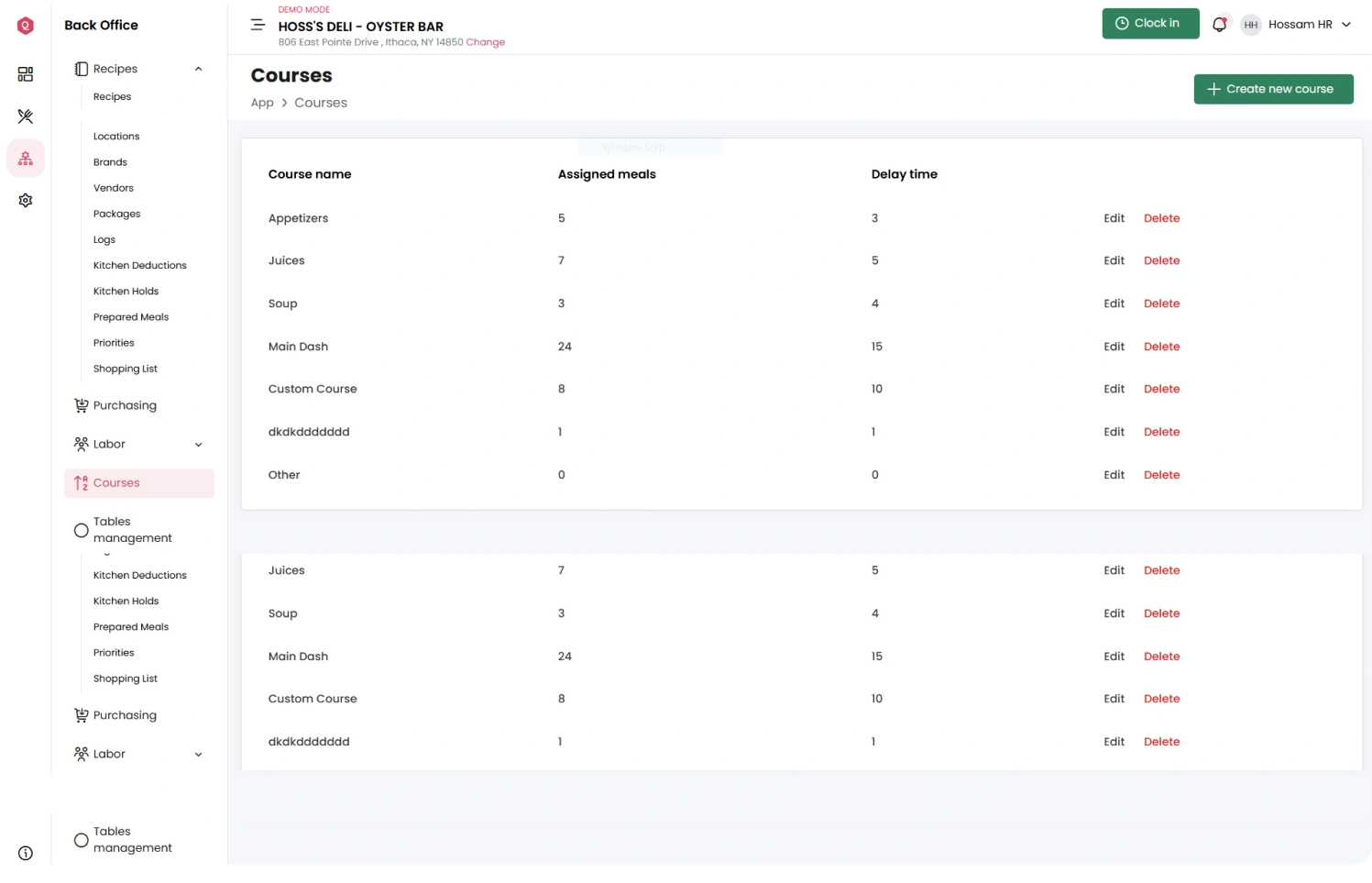
Custom Course Creation

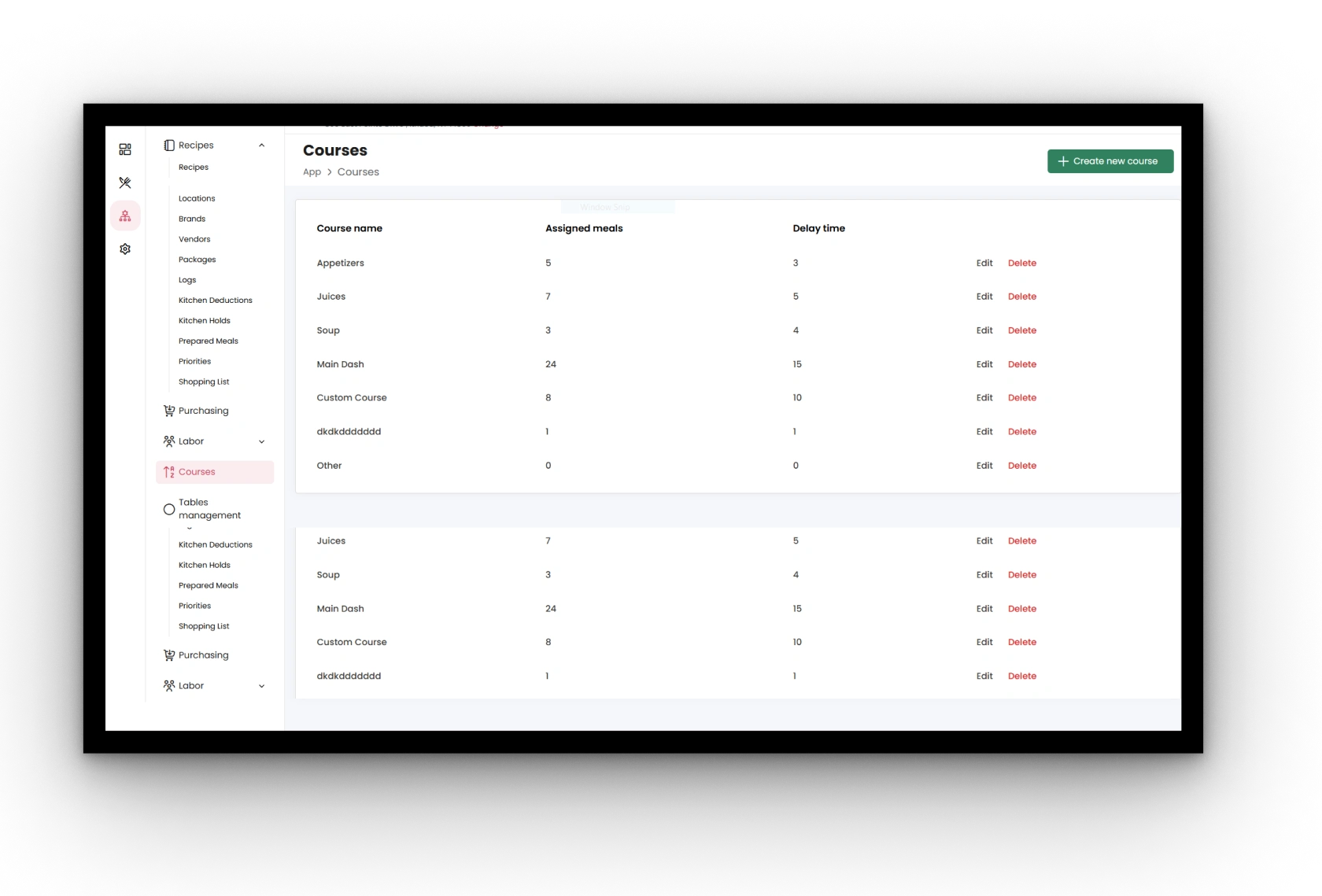
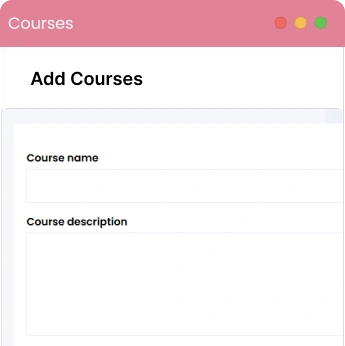
Effortlessly design and define multiple courses tailored to your restaurant’s unique offerings. Whether it’s appetizers, main courses, or desserts, you can create and customize each stage of the dining experience to align with your menu structure and customer preferences.

Dashboard
DashboardDashboard

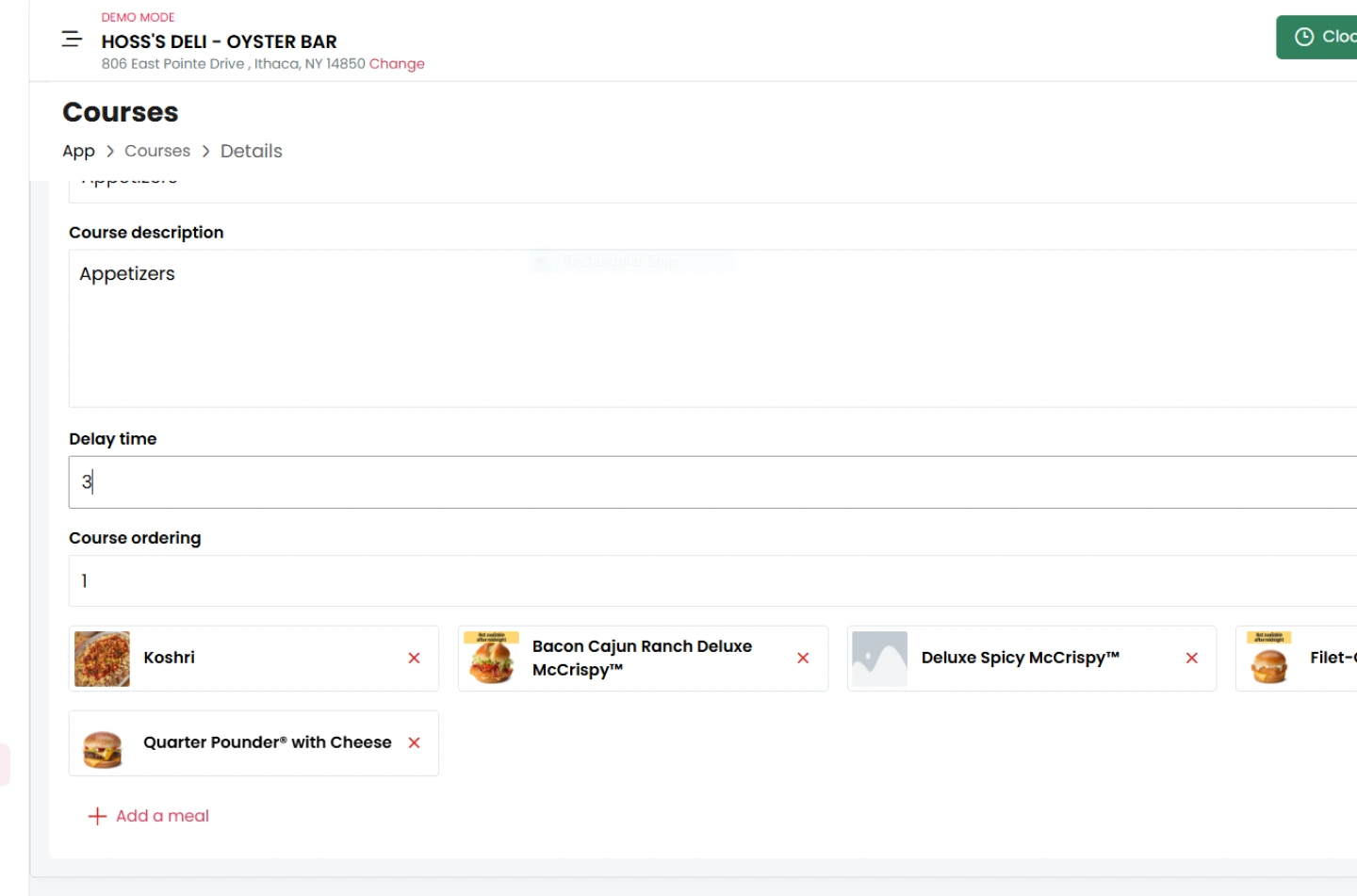
Integrated Meal Selection

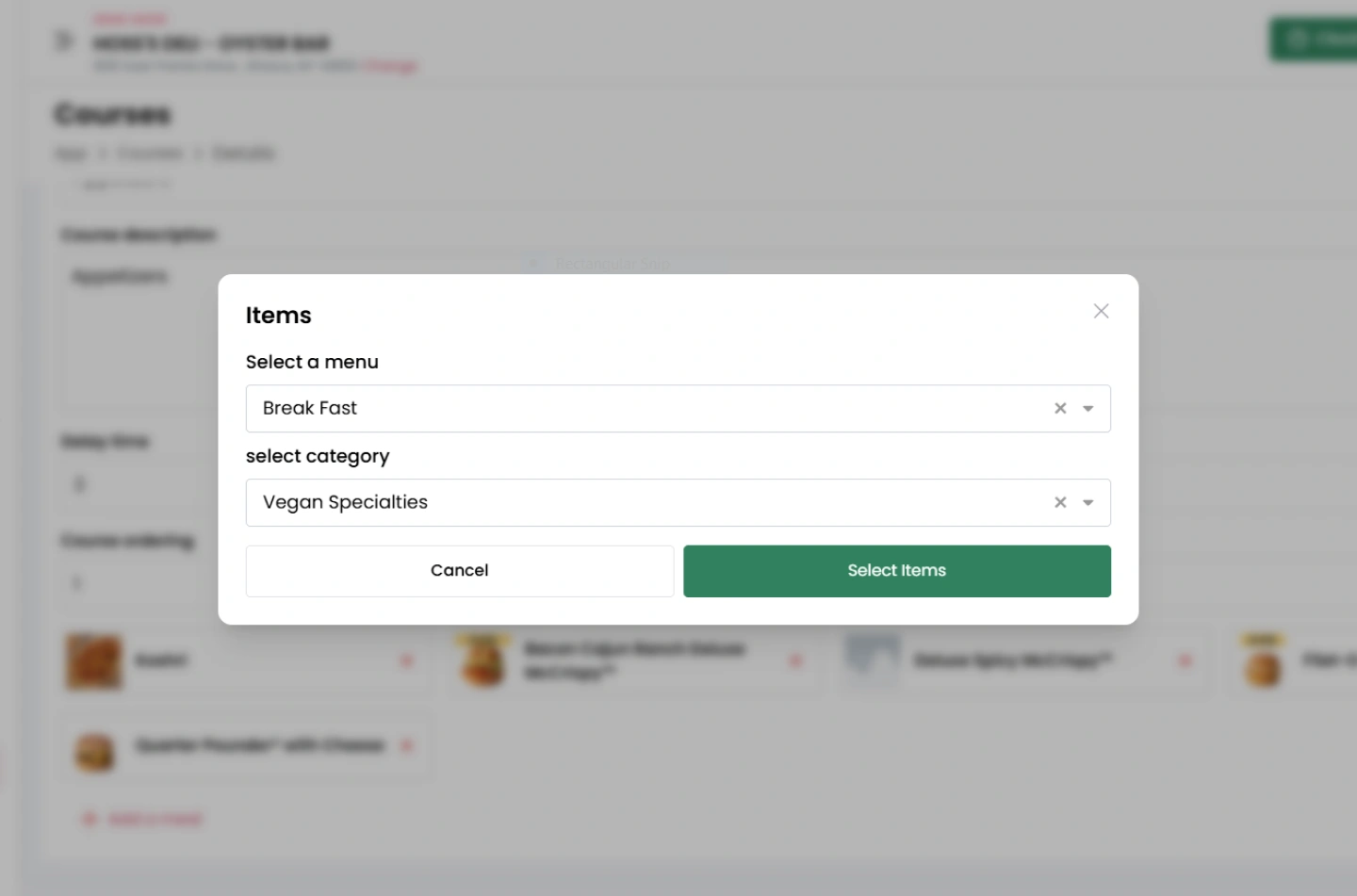
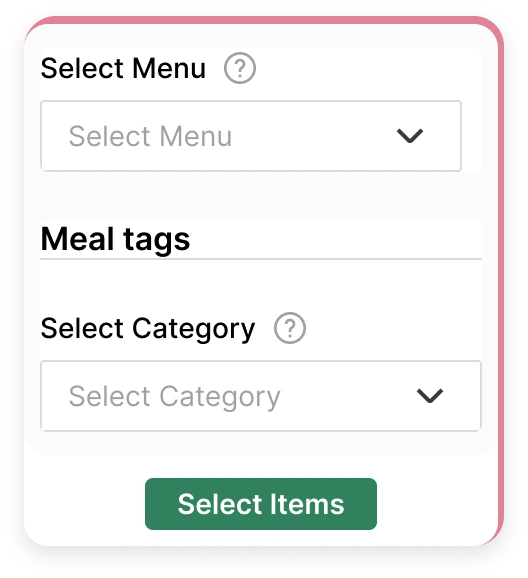
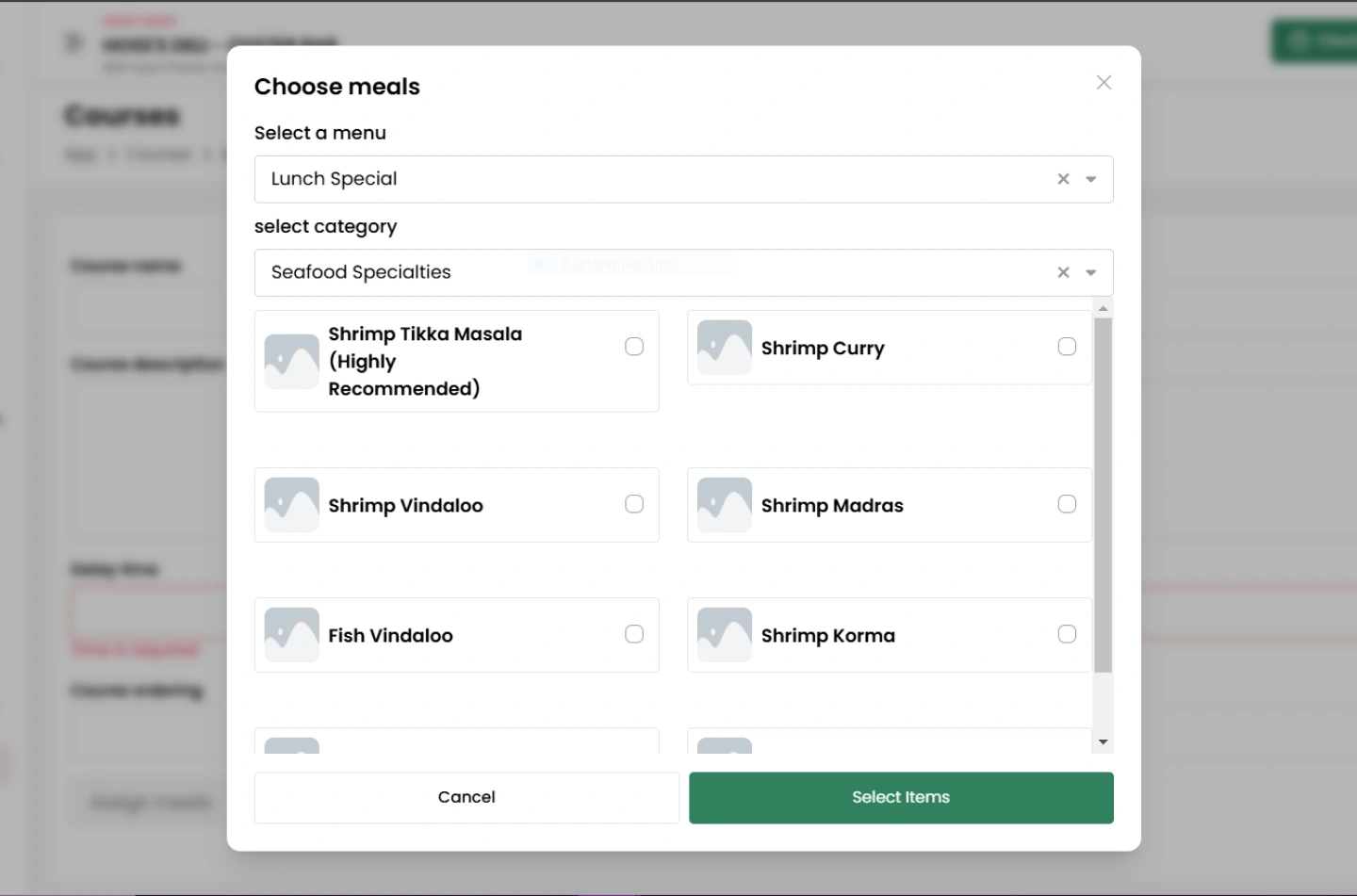
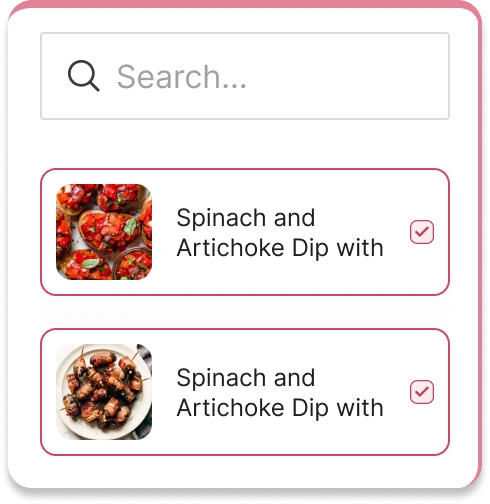
Streamline the process of assigning dishes to specific courses using an intuitive and user-friendly interface. This feature ensures that each course is linked to the right meals, providing flexibility for seasonal menus or special customer requests.

Timing Flexibility

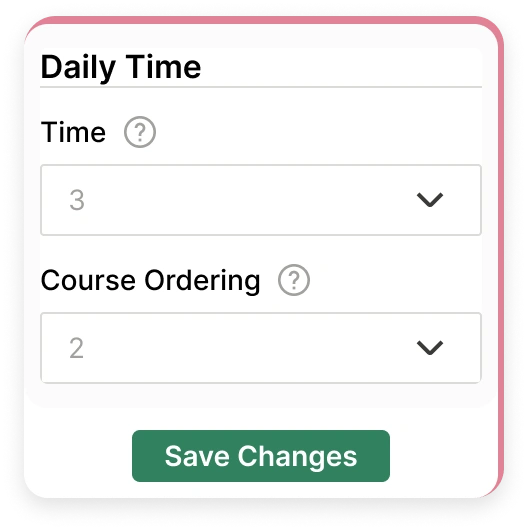
Adapt course durations to match different scenarios, such as special events, private dining experiences, or regular service. You have full control to adjust timings, ensuring that each course is served at the perfect moment for a seamless flow of service.
DashboardDashboard
DashboardDashboardDashboard

Sequential Ordering

Automate the organization of courses in a logical order based on your restaurant's menu. This ensures that meals are presented in the intended sequence, enhancing the overall dining experience and reducing the risk of errors in serving.

Interactive Demo

Introducing Qwizeen System

The powerful system designed to simplify restaurant management, enhance service, and bring operational efficiency to every aspect of your business.

Better Understanding

Videos visually demonstrate how the system works, making it easier for users to understand its features quickly.

Increased Engagement

Videos capture attention more effectively than text, helping keep potential users engaged while showcasing the system’s value.

Interactive Qwizeen product demo screenshot

Integration

Seamless System Integration

Effortlessly connect Qwizeen’s Courses feature with essential restaurant management tools. From syncing with POS systems for smooth order processing to integrating with KDS for streamlined kitchen workflows and accounting systems for precise financial tracking, Qwizeen ensures a unified and efficient operational experience.

Background ImageForeground Image

POS Integration

Sync orders seamlessly with the courses through Point-of-Sale systems.

KDS Integration

Connect courses with the Kitchen Display System (KDS) to streamline kitchen operations

Accounting System Integration

Link orders and billing to accounting systems for accurate financial tracking.

Girl
Quotes IconFeedback

Testimonial

Our Customersfeedback

"Our customers’ feedback reflects the value they find in our products and services. Their insights help us continually improve and tailor our offerings to meet their needs. We’re proud to share their experiences as a testament to our commitment to quality and customer satisfaction."

– Maria G., Restaurant Owner

prenext

Common Questions

FAQs

Everything you need to know about the product and billing. Can’t find the answer you’re looking for? Please chat to our friendly team.

Is there a free trial available?

Yes, you can try us for free for 30 days. Our friendly team will work with you to get you up and running as soon as possible.

Can I change my plan later?

Of course. Our pricing scales with your company. Chat to our friendly team to find a solution that works for you.

What is your cancellation policy?

We understand that things change. You can cancel your plan at any time and we’ll refund you the difference already paid.

Can other info be added to an invoice?

Yes, you can try us for free for 30 days. If you want, we’ll provide you with a free, personalized 30-minute onboarding call to get you up and running as soon as possible.

How does billing work?

Plans are per workspace, not per account. You can upgrade one workspace, and still have any number of free workspaces.

How do I change my account email?

You can change the email address associated with your account by going to untitled.com/account from a laptop or desktop.

Still have questions?

Can’t find the answer you’re looking for? Please chat to our friendly team.

Security and compliance shield

Security & Compliance

Advanced Security and Compliance Standards

Qwizeen’s Courses feature revolutionizes how restaurants organize and serve meals by breaking them into structured stages, such as appetizers, main courses, and desserts. With precise timing and seamless coordination, this feature enhances the dining experience while optimizing kitchen operations, ensuring that every course is delivered on time and in perfect order. Whether for casual dining or formal events, the Courses feature helps create memorable, efficient, and personalized dining journeys.

  • checkedData Encryption
  • checkedAccess Control Management
  • checkedRegulatory Compliance